




Tayasui Sketches, by Tayasui, is a free app that allows you to draw and write notes. The app is similar to Paper, but Sketches doesn’t have different textures, which is fine for those of us who just want to play around with a drawing app on our iPads.
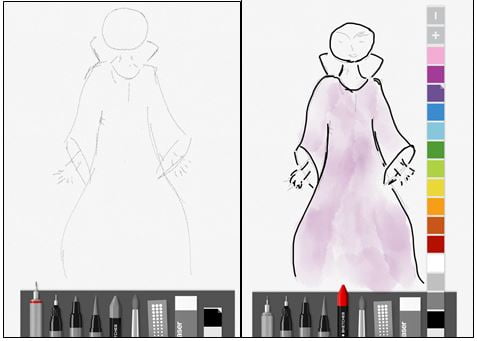
Starting my sketch. Right: color selection
The basic version of Sketches has six drawing tools, including pencil, crayon, and watercolor, a patterns transfer tool, an eraser, and color selections. If a color you want is not on the strip, double tap the color to bring up the color editor that allows you to choose a custom color. The surface for your creations is plain white paper. You can share your finished product on Facebook, Twitter, and email, and you can send your work to your photo library, so you don’t have to try to take a screen shot.
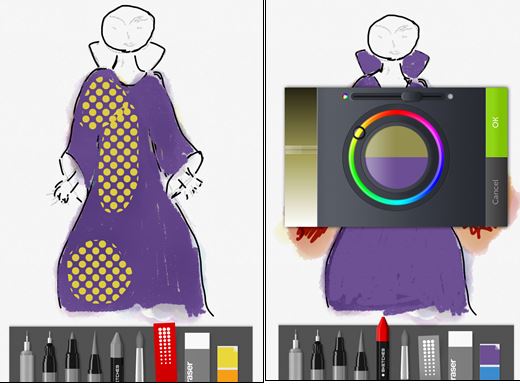
Pattern tool and color editor
I’m not an artist, so my needs are not the same as a professional illustrator, but even I like sketching from time to time. This app saves me paper and the cost of art supplies. The app is easy to use. Swipe left to bring up the tools and swipe right to hide them. Pinching in brings up the options to trash the piece, share it, or move on to a new work. Tapping on the tool selects it, and switching tools does not reset the color, so if you have red selected, then you can go from tool to tool without having to worry about the app changing the color. The same ease also applies to changing color; the app won’t reset the tool or deselect it when you pick a different color.
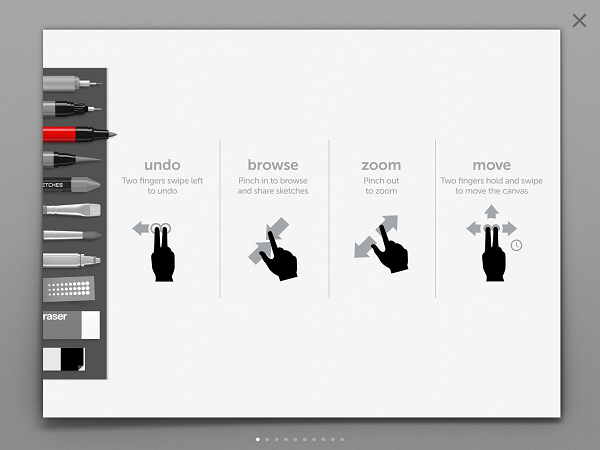
While Sketches is simple to use, there are a couple of minor annoyances. The undo movement of two fingers swiping left rarely worked for me; instead, most of the time the motion would move my picture. Without undo, I had to use the eraser, and you can’t change the size of the eraser in the basic version, so I had to be very careful when I wanted to correct a mistake. Also, blending is not a feature in the basic version, so the colors would cover each other, making me go back and touch up. Fortunately, you can zoom in, which helped a lot.
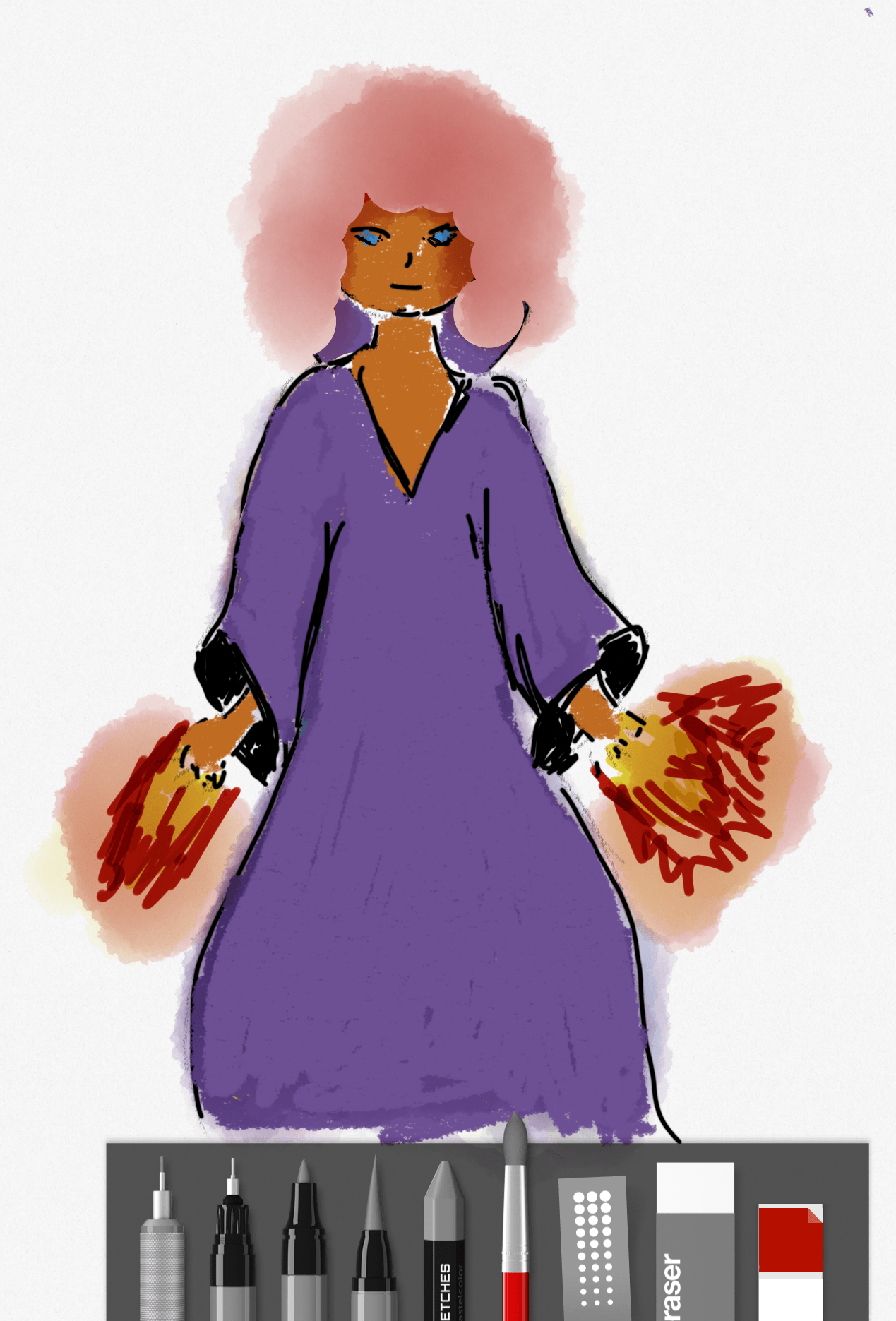
My first completed sketch
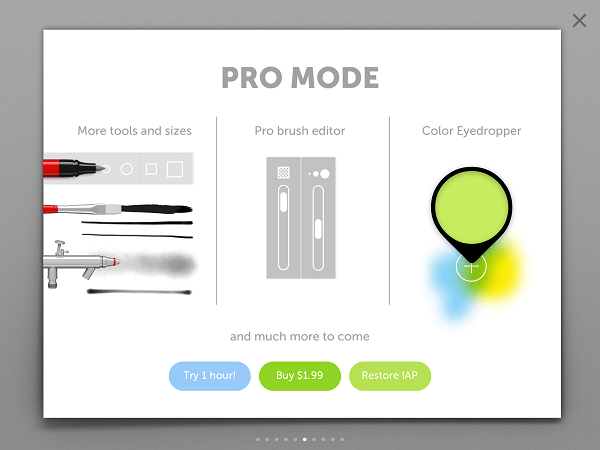
Also available in the Pro version is the ability to blend colors, to change the size and opacity of brushes, and to change the size of the eraser; the Pro version has more tools and a color eyedropper. You can try the Pro version for an hour to help you decide if the extra features are worth the $1.99. After my hour was up, I have to admit the extra features were worth $1.99, but the free version of the app works fine, so I suggest trying out the Pro version so you can determine which version suits your needs.
Part of working with this app is getting used to drawing with your fingers. After I got used to sketching with my fingertips, the app’s design allowed me to have fun and experiment. If you enjoy sketching but don’t want to incur the cost, then Tayasui Sketches could be the app for you.
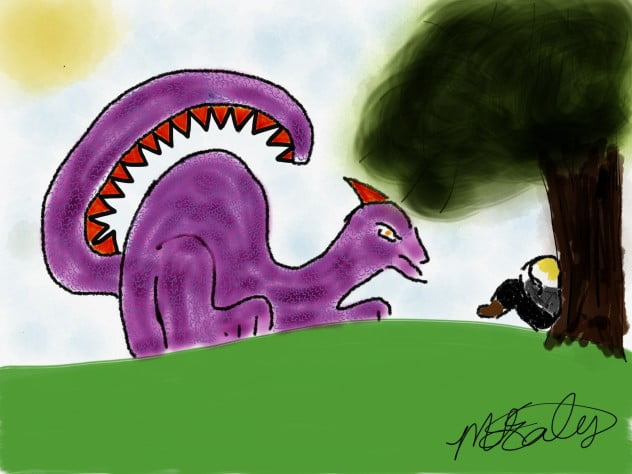
The sketch I completed with the Pro version
Tayasui Sketches is for the iPad with iOS 6 or higher. The basic version is free; the Pro version is $1.99.
